- Maths and language
- Ages 6 to 12
Make a Christmas lesson for your class
In a few clicks, make a new Christmas lesson at your class's level. You choose the topic, Classigogo makes the questions.


Choose a topic and a year group, or upload a worksheet as a starting point. Classigogo makes the questions with the Christmas tree, baubles, presents, reindeer and snow. The language level and the difficulty stay right for the year group.
You can make a Christmas lesson now, until 28 December.
You can make a Christmas lesson from 6 December.



Used by 3,000+ teachers in the Netherlands and Belgium
How to make a Christmas lesson
Start a new question set
Choose to make questions with AI, or to upload a worksheet.
Choose the Christmas theme
With AI you also enter a topic and a year group. With a worksheet you tick the theme.
Let Classigogo make the questions
Classigogo makes questions with multiple-choice answers in the theme. The language level and the difficulty stay right for the year group.
Check the questions and practise
Read through the questions, change what you want to change and start an activating game mode with your class.
Good to know
The theme changes names, objects, situations and examples. The content and the difficulty stay the same as for the year group you chose.

What a practice question looks like in a Christmas lesson
Pick an answer and move on to the next question. The questions come from different learning goals for maths and language.
Classigogo works recognisable Christmas elements into the questions.
- The Christmas tree
- Baubles
- Presents
- Reindeer
- Snow
- The Christmas star
- The Christmas dinner
Maths · Adding and subtracting
There are 48 baubles on the class tree. The teacher hangs up 25 more. How many baubles are on the tree now?
Practise, print or share your question set
Once the questions are ready, you can use them straight away.
Practise with your class
Practise with your question set in the game modes of Classigogo, on the whiteboard or on your pupils' own devices. The characters wear a hat that fits the theme.
Discover all game modesPrint as task cards
Print the questions as task cards and use them with a game mode such as Scavenger hunt or Match race.
With task cardsShare with colleagues
Share your question set with colleagues, so they can use it in their own class as well.
Frequently asked questions
Can I use the Christmas theme for other subjects?
Yes, you can. The theme wraps the material you enter or upload. So it also works with topics other than maths and language.
Do I need a worksheet?
No. You can also make a new question set with AI. You then enter a topic, a year group and the number of questions. A worksheet is handy when the questions need to match what your class already uses.
Can I try this for free?
Yes. You try Classigogo free for 30 days, with no obligation and without being tied to anything.
Can I switch the theme off?
Yes. You choose the theme per question set. If you do not choose it, you simply make a question set without a theme. Your other question sets do not change.
Practise with your question set in a game mode
Pick a game mode for your question set.
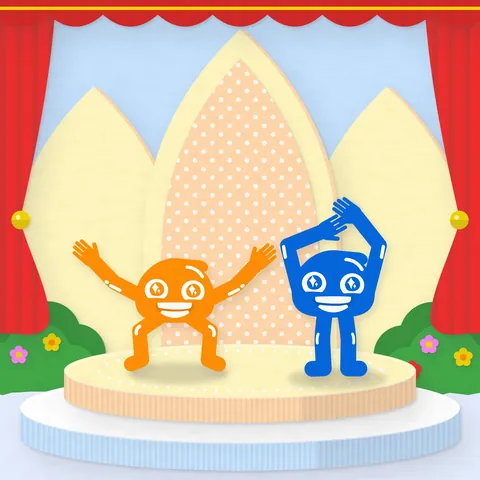 Pose ParadeOn the whiteboard · Whole classPupils give their answer by individually making the movement that matches that answer option.
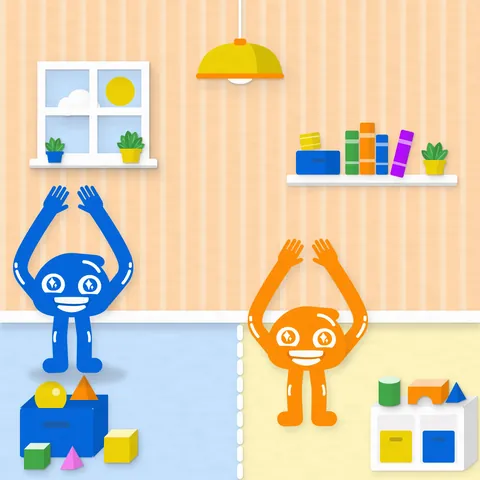 Choose your SideOn the whiteboard · Whole classEach side of the room is an answer option. Pupils walk to the side they think holds the correct answer.
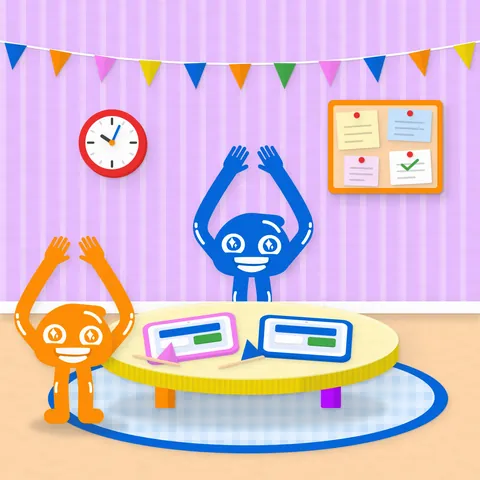 Signal FestOn their own devices · In teamsPupils individually answer different question types on their device, then signal movements across to their teammate.
Ready forChristmas in class?
Make your first Christmas lesson. Try Classigogo free for 30 days, without payment details.